codeanywhere-docs
Workspace setup: Create a new workspace
Creating a new workspace.
Creating a new workspace
-
Log into CodeAnywhere with your GitHub account.
-
On your Dashboard, click on the New Workspace button
-
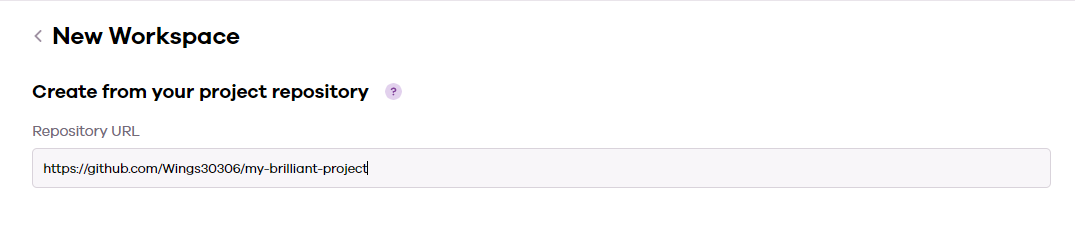
Paste in the URL you copied from GitHub earlier
-
Click Create
-
Wait for the workspace to open. This can take a few minutes.
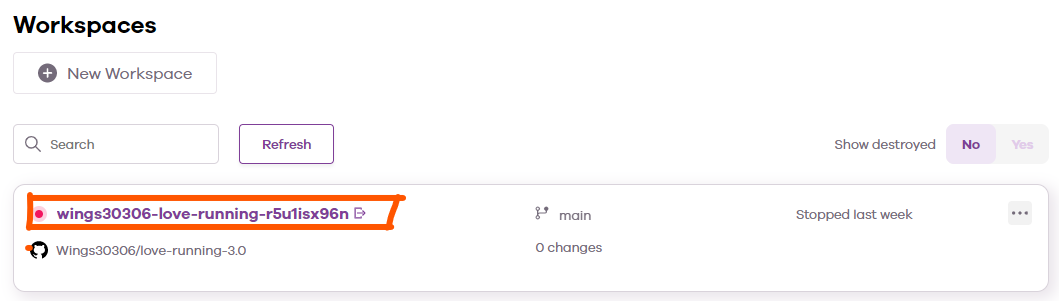
Your workspace is now ready to use. When you want to return to this project, you can find it in your CodeAnywhere Dashboard. You should only create 1 workspace per project.