codeanywhere-docs
Workspace setup: Create a new Django workspace
Creating a new Django workspace.
Creating a new workspace
-
Creating a workspace for a Django project is the same as for any other project. The Code Institute Full Template provides all you require to create a Django project.
-
If you are opening an existing project then remember to install your Python packages. Open a new terminal and run the command
pip install -r requirements.txt -
Recreate your env file with any secret variables. Here is a guide to environment variables
-
For a Django project, you will need to add the URL of your running CodeAnywhere project to the ALLOWED_HOSTS variable. It will be in the format: 8000-yourgithubusername-yourrepositoryname-nhd8ztszni.us2.codeanyapp.com (do not add the https:// at the start or the trailing / at the end).

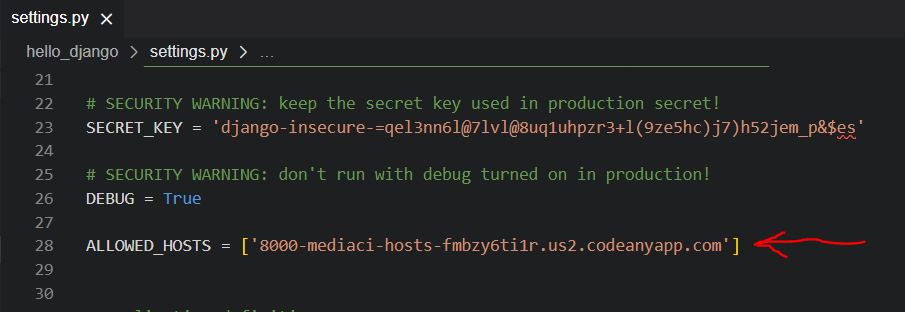
Unlike in Gitpod, the workspace URL in Codeanywhere does not change. Therefore, your
CLIENT_ORIGINwill not change in the settings of your Django Rest Framework backend app for your React project.
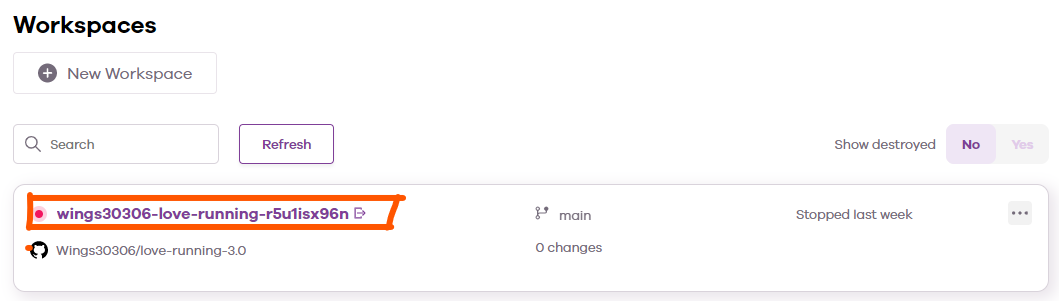
Your workspace is now ready to use. When you want to return to this project, you can find it in your CodeAnywhere Dashboard. You should only create 1 workspace per project.